

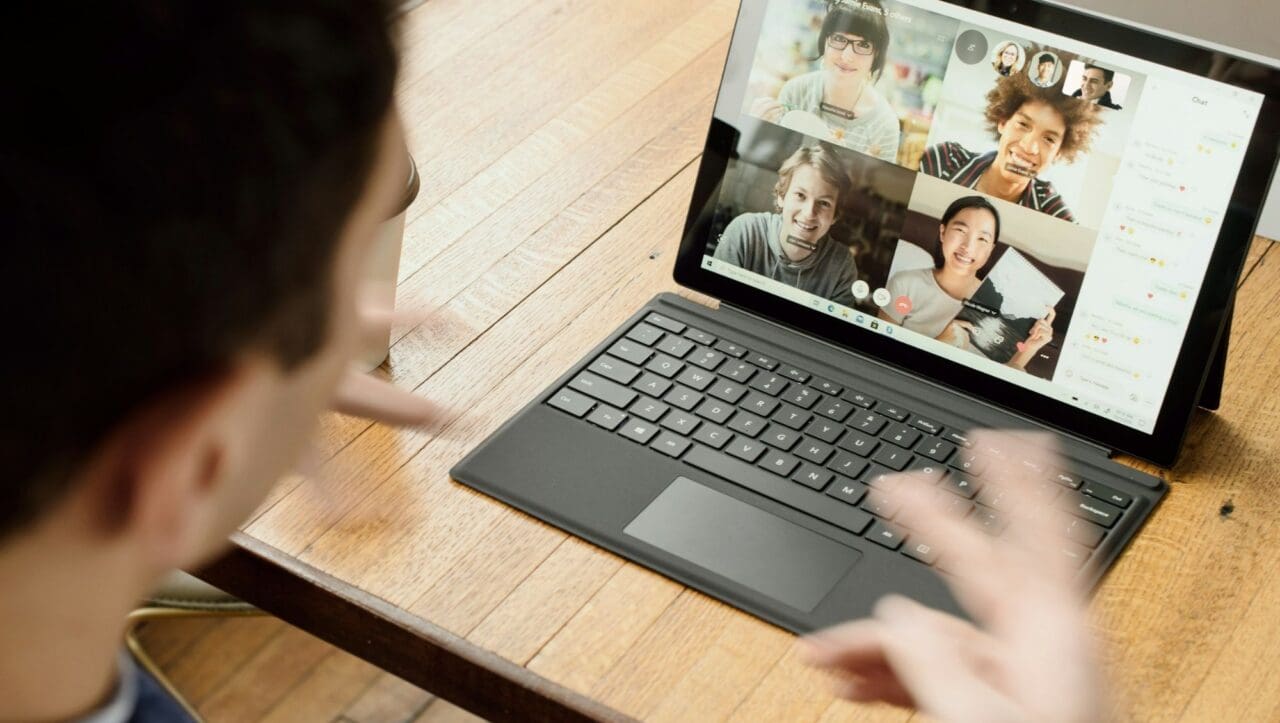
Remote hiring may have been seen as temporary for some, but now it’s anything but. The problem? A lot of remote onboarding hasn’t kept up.
In in-office settings, onboarding benefits from proximity: new hires ask questions, observe how things are done in real-time, and build relationships.
But in a remote setting, these disappear. What needs to fill the gap isn’t intuition, but a well-defined, clearly-communicated process.
World-class remote onboarding isn’t just a variation … it’s an entirely-different system that demands an upgrade.
Why Remote Onboarding Fails More Often Than You Think
Square peg, meet round hole.
In-person and remote are different, yet I keep seeing companies run the same process for both. That leads to inconsistent communication, lack of visibility, and often unengaged new hires. They don’t know what Teams / Slack channels are worth investing in, where the digital “water cooler” might be, or what fun topics to lead with to build connections.
And without clear guidance, these minor gaps turn into bigger retention and performance problems. According to Gallup, employees who have a clearly defined onboarding experience are significantly more likely to feel engaged and connected to their organization.
Remote Onboarding Requires Intentional Design
Simply “digitizing” onboarding isn’t enough. You need to think through
- What an employee experiences at every step
- How information is delivered
- When and how support is provided
- What the “paper trail” looks like
Put yourself in the candidate’s shoes. If onboarding feels like a drawn-out checklist, it’s a momentum-killing experience. Design something thoughtful, welcoming, and warm that still checks the boxes you need!
Day One Matters More in Remote Environments
In an office, a new hire’s first day provides natural context with how folks interacts, joke, where they meet, etc. You can get a feel for the environment just by being there.
Remote employees don’t get this.
And that means their first day isn’t just important, but critical to long-term success. After all, a confusing first day sets up for lower first-year retention and higher productivity.
Structure this to be predictable – and communicate these expectations in advance, too!
Have all systems and tools with access before the new employee logs in. IT should have advance notice for this, ideally from automated notifications built into your onboarding process.
Introduce key stakeholders with 1-on-1 meetings for introductory conversations, or small teams where appropriate.
Give the new hire links to the most relevant channels and documents in a welcome email / message, such as a module baked into your onboarding
And most importantly? Have an initial starting point that comes from their manager with a clear “here’s what I want to see in your first 30 days” logged. Even better, your employee onboarding platform should give you real-time status updates for when each of these steps is completed … or flags when something is stalled.
Foundations of Effective Remote Onboarding
Here’s what you need to stick with you.
Start Before Day One
Preboarding becomes essential in remote environments to keep momentum going after the offer is accepted.
Early communication builds upon it and prevents anxiety from creeping in … and it can speed up some of the compliance work, too.
Create a Consistent Communication Cadence
Silence is often interpreted as confusion. Your new hire should always know what’s happening next (and when), who they can reach out to, and what they can be doing to better-prepare for everything coming their way.
This isn’t about overwhelming them with tons of communications, by the way … I’ve seen where new candidates get 2-3 messages a day and that’s just noise. Having a few, well-structured and clear touchpoints is far more effective.
Simplify Documentation and Administrative Tasks
Manual processes introduce friction and slow everything down. The more you can automate, the better! So make sure eSignature, automated reminders, and what’s-the-next-item are all clearly shown and in a linear fashion.
That last part about a linear fashion matters. We’ve seen completion rates of over 95% in our onboarding platform that forces someone to complete the current step before moving on to the next.
Remote Onboarding Is a System, Not a Series of Tasks
Organizations that succeed with remote onboarding do not treat it as a checklist.
They treat it as a system! And it connects preboarding through ongoing training, ensuring every new hire, regardless of location, receives a consistent and effective experience.
The Society for Human Resource Management highlights structured onboarding programs improve retention, engagement, and time to productivity, particularly in distributed work environments. This is your chance to capture those potential gains.
And in your remote onboarding processes, the difference isn’t that it’s remote – it’s how well-structured and seamless the experience is.
For HR teams looking to improve how they onboard remote employees, building the right system matters. That’s where we help here at Click Boarding … for every employee transition.